W3.CSSTutorial
CSS
W3.CSS is a CSS framework for developing websites and web apps.
It provides equality for all browsers (Chrome, Edge, Firefox, Safari, Opera) on all devices(Desktop, Laptop, Tablet, Mobile).
W3.CSS is free, open source, and uses standard CSS only (no JavaScript).
Start learning W3.CSS now »Note
w3-grid andw3-flex is new inW3.CSS 5.0.
w3-grid vs w3-flex
w3-grid is for two-dimensional layout, with rows AND columns.
w3-flex is for one-dimensional layout, with rows OR columns.
Example
<h1>My Header</h1>
</div>
<img src="img_car.jpg" alt="Car">
<div>
<p>A car is a wheeled, self-powered motor vehicle used for transportation.</p>
</div>
<div>
<p>My Footer</p>
</div>
A Quality Alternative to Bootstrap
W3.CSS is a modern CSS framework developed by theW3Schools team.It's similar to Bootstrap when it comes to build responsive, mobile-friendly websites,but it is lighter, simpler, and faster, and does not rely on JavaScript or external libraries like jQuery.
"Make it as simple as possible, but not simpler."
Albert Einstein
How To Use W3.CSS
To use W3.CSS in your web site, just add a link tow3.css from your web pages:
Or download w3.css from:
https://www.w3schools.com/w3css/5/w3.css
and add a local link to your downloaded w3.css file:
Example
W3.CSS Crash Course
How to create web pagethat looks nice on all devices (desktop, laptop, tablet, and phone).
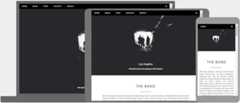
W3.CSS Web Site Templates
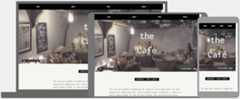
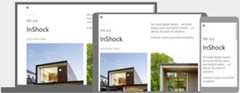
We have created 50 responsive W3CSS templates for you to use.
You are free to modify, save, share, use or do whatever you want with them:
Catering Template

Portfolio Template

Architect Template

Cafe Template
Wedding Template

House Design Template
Food Template