Download as PDF, PPTX





![doing something without a frameworkfunction stripeListElements(listID) { // get the items from the list var myItems = getElementsByTagName("li"); // skip line 0 as it's the header row for(var i = 0; i < myItems.length; i++) { if ((i % 2) === 0) { myItems[i].className = "odd"; } } }](/image.pl?url=https%3a%2f%2fimage.slidesharecdn.com%2fdl8tfuser-interface-development-using-jquery-110405154820-phpapp01%2f85%2ffuser-interface-development-using-jquery-18-320.jpg&f=jpg&w=240)
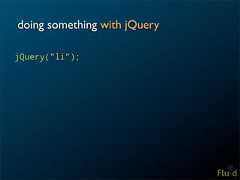
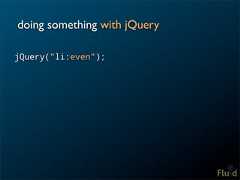
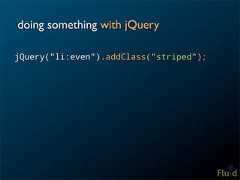

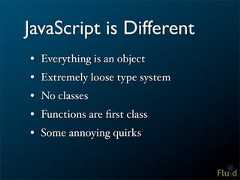
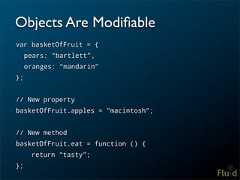
![Objects Are Loose Containers• At their core, objects are just maps• Keys can be any string, values can be anything• Two different ways to access members: basketOfFruit.kiwis; // dot notation basketOfFruit["figs"]; // subscript notation• You can add new members to any object at any time](/image.pl?url=https%3a%2f%2fimage.slidesharecdn.com%2fdl8tfuser-interface-development-using-jquery-110405154820-phpapp01%2f85%2ffuser-interface-development-using-jquery-36-320.jpg&f=jpg&w=240)
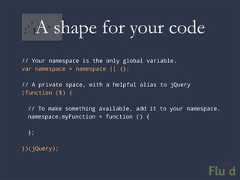
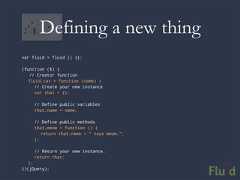
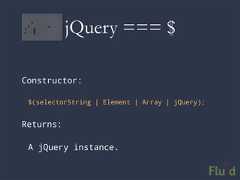
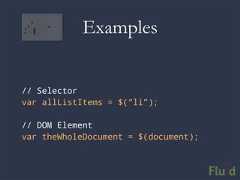
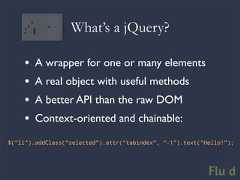
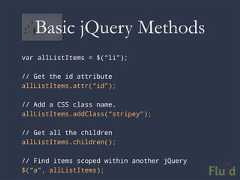
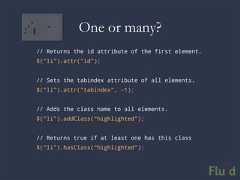
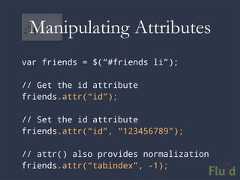
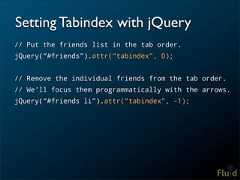
![A Unified API for One or Many• Most DOM code requires a lot of looping: var myItems = getElementsByTagName("li"); // skip line 0 as it's the header row for (var i = 0; i < myItems.length; i++) { myItems[i].tabIndex = -1; }• jQuery treats sets the same as single elements: $("li").attr(“tabindex”, -1);• Bottom line: no iteration means way less code (and it’s portable)](/image.pl?url=https%3a%2f%2fimage.slidesharecdn.com%2fdl8tfuser-interface-development-using-jquery-110405154820-phpapp01%2f85%2ffuser-interface-development-using-jquery-50-320.jpg&f=jpg&w=240)
![Accessing Members// Get the element at a specific position, as a jQuery$(“li”).eq(0);// Get the element at a specific position,// as a pure DOM element$(“li”)[0];](/image.pl?url=https%3a%2f%2fimage.slidesharecdn.com%2fdl8tfuser-interface-development-using-jquery-110405154820-phpapp01%2f85%2ffuser-interface-development-using-jquery-52-320.jpg&f=jpg&w=240)

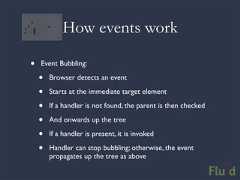
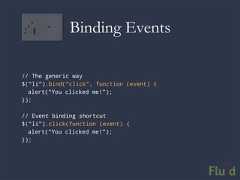
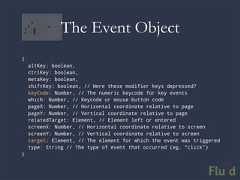
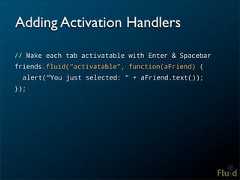
![Event Handlers• The event object provides more information about the event that occurred• this points to the element on which the event listener was bound. Be careful!• Event handlers always deal with pure elements, not jQuery instances (this and event.target) var friends = $(“#friends”); friends.click(function (event) { showTweetsForFriend(this); // this === friends[0]; });](/image.pl?url=https%3a%2f%2fimage.slidesharecdn.com%2fdl8tfuser-interface-development-using-jquery-110405154820-phpapp01%2f85%2ffuser-interface-development-using-jquery-69-320.jpg&f=jpg&w=240)
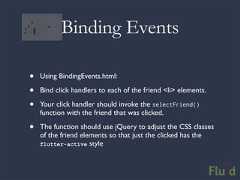
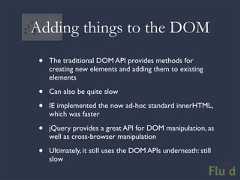
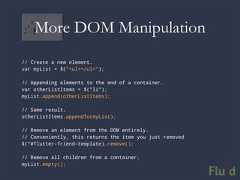
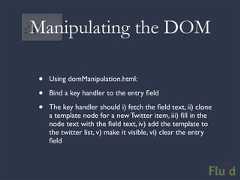



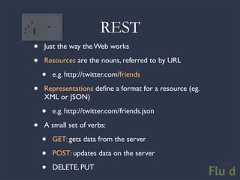
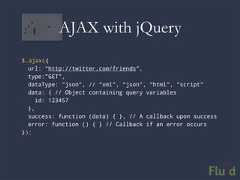
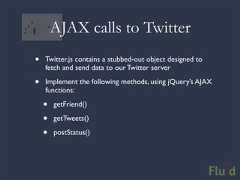

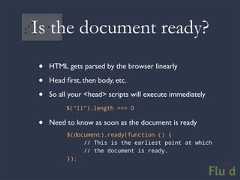
This document provides an overview of using jQuery for user interface development. It discusses what jQuery is, provides a JavaScript 101 refresher, and covers key jQuery concepts like selecting elements, manipulating the DOM, attaching events, and making AJAX requests. The document outlines an example workshop agenda that demonstrates finding elements, modifying attributes and styles, binding events, and more through hands-on exercises using jQuery.


