Genius Bar

For any question,
a genius answer.
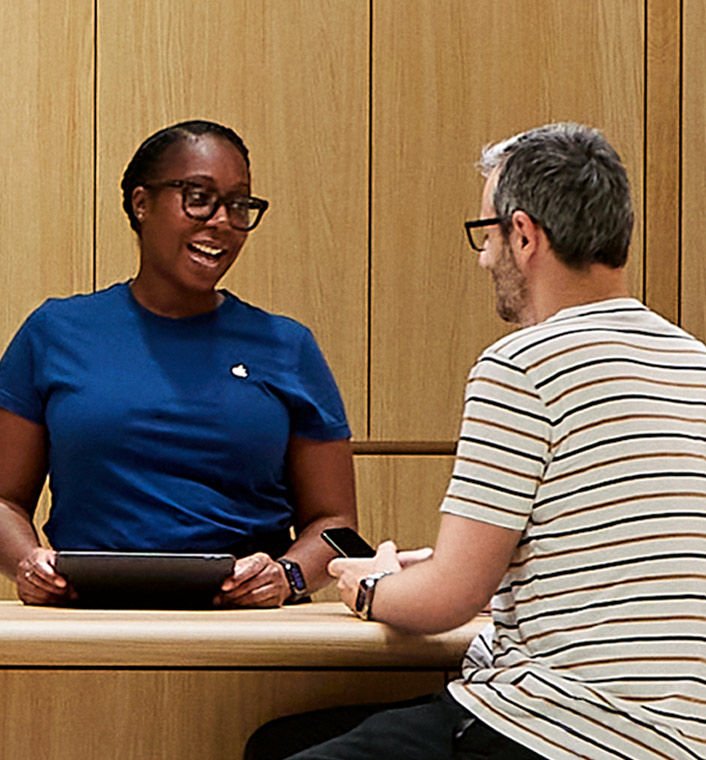
Make a Genius Bar reservation at your nearest Apple Store for in-person support, repairs with genuine Apple parts, and more.It’s simple — exactly how support should be.
A few steps to prep.

Know your sign-in.
You’ll need your Apple Account and password to make a reservation and get repairs at the Apple Store.

Bring the essentials.
Pack your power cord and any other relevant accessories for your visit.

Update your device.
A software update can save you time troubleshooting in the store — and may resolve issues before your reservation.

Back up your data.
Some fixes require a factory reset, and backing up your data ensures that you can still access your information.
So many possibilities in store.
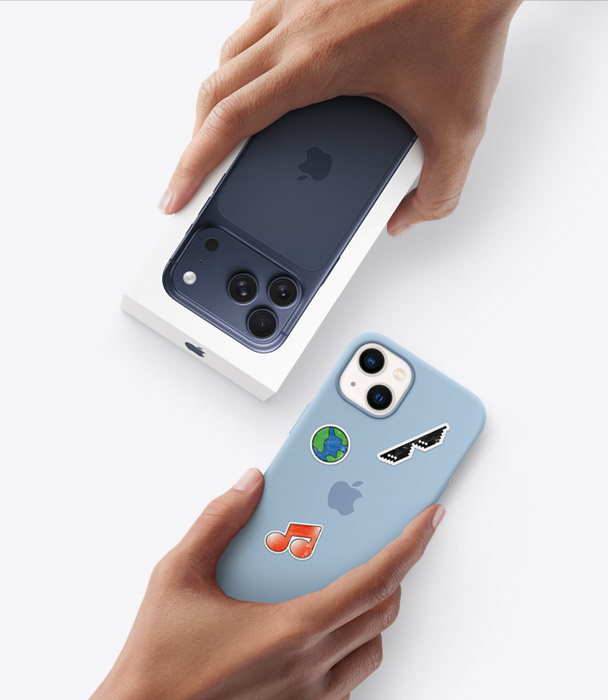
Apple Trade In
Trade in your
current device.
Get credit toward
a new one.*
Today at Apple
Join free sessions at
your Apple Store.Learn about the latest features and how to go further with your Apple devices.


More questions?
More answers.