

matplotlib.axes.Axes.twinx#
- Axes.twinx(axes_class=None,**kwargs)[source]#
Create a twin Axes sharing the xaxis.
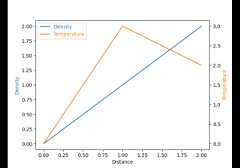
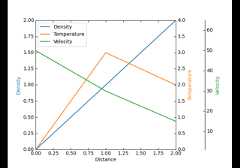
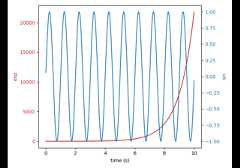
Create a new Axes with an invisible x-axis and an independenty-axis positioned opposite to the original one (i.e. at right). Thex-axis autoscale setting will be inherited from the originalAxes. To ensure that the tick marks of both y-axes align, see
LinearLocator.- Parameters:
- axes_classsubclass type of
Axes, optional The
axes.Axessubclass that is instantiated. This parameteris incompatible withprojection andpolar. Seeaxisartist for examples.By default,
Axesis used.Added in version 3.11.
- kwargsdict
The keyword arguments passed to
Figure.add_subplotorFigure.add_axes.Added in version 3.11.
- axes_classsubclass type of
- Returns:
- Axes
The newly created Axes instance
Notes
For those who are 'picking' artists while using twinx, pickevents are only called for the artists in the top-most Axes.
Examples usingmatplotlib.axes.Axes.twinx#

On this page