

Note
Go to the endto download the full example code.
Timers#
Simple example of using general timer objects. This is used to updatethe time placed in the title of the figure.
Note
This example exercises the interactive capabilities of Matplotlib, and thiswill not appear in the static documentation. Please run this code on yourmachine to see the interactivity.
You can copy and paste individual parts, or download the entire exampleusing the link at the bottom of the page.
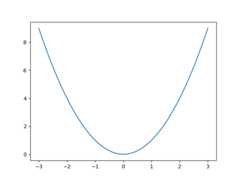
fromdatetimeimportdatetimeimportmatplotlib.pyplotaspltimportnumpyasnpdefupdate_title(axes):axes.set_title(datetime.now())axes.figure.canvas.draw()fig,ax=plt.subplots()x=np.linspace(-3,3)ax.plot(x,x**2)# Create a new timer object. Set the interval to 100 milliseconds# (1000 is default) and tell the timer what function should be called.timer=fig.canvas.new_timer(interval=100)timer.add_callback(update_title,ax)timer.start()# Or could start the timer on first figure draw:# def start_timer(event):# timer.start()# fig.canvas.mpl_disconnect(drawid)# drawid = fig.canvas.mpl_connect('draw_event', start_timer)plt.show()