Uh oh!
There was an error while loading.Please reload this page.
- Notifications
You must be signed in to change notification settings - Fork3.7k
How to load custom fonts to p5.js web editor
How to load custom font to p5 web editor
Log in to your p5.js web editor account.
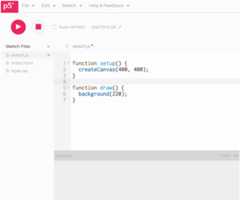
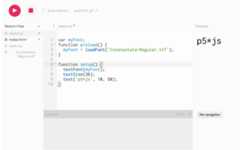
Click on the arrow next to sketch.js(circled in red).
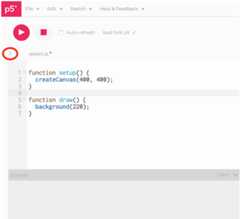
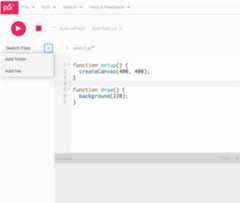
Click on the arrow next to the Sketch Files > Add file
Drag and drop your font files into the add file window.After it is done loading your font, you should see your font file on the left column under Sketch files.
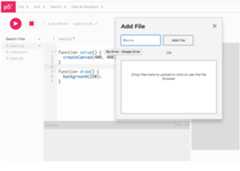
Now you can go ahead and draw with the font you loaded!
For instructions on how to draw with font please go to the reference page of p5.js and see instructions on loadFont().
If you would like to edit this wiki and don't already have edit access, please open an issue or comment on an existing one noting the wiki page you'd like to edit. You will then be added as a repository contributor with edit access.