- Notifications
You must be signed in to change notification settings - Fork26
Debugging integration tests
To debug integration tests with jdb:
Locate and run both the
cleanandintegrationTesttasks: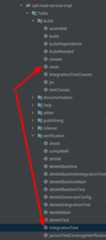
Edit the
integrationTestconfiguration to run thecleantask before launch. SelectModify optionsthenBefore Launch, then hit '+" then selectRun gradle task. Append-D-runjdb=5005to the run line: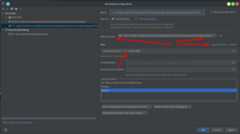
Create a "Remote JVM Debug" configuration, ensuring the port matches the one usedpreviously, i.e.
5005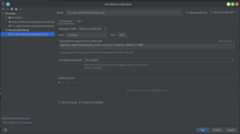
Run the
integrationTesttask.Once it starts, it pauses and waits.
5 Run theRemote JVM Debug task to connect.
You can now debug into the integration test.
For step 5 you may alternatively use the "Attach debugger" tooltip in IntelliJ

To debug a set of integration tests with Postgres:
Locate the
integrationTestthat you intend to run in Intellij.Run
integrationTestto create the run/debug configuration.Run the Docker postgres image in a console:
docker run --rm --name test-instance -e POSTGRES_PASSWORD=password -p 5432:5432 postgres
In your Intellij run/debug configuration add
-PpostgresPort=5432(Note: not-D):