- Notifications
You must be signed in to change notification settings - Fork325
A simple but highly customizable UICollectionViewLayout for UICollectionView -- Simple SwiftUI views that let you make page-view effects.
License
amirdew/CollectionViewPagingLayout
Folders and files
| Name | Name | Last commit message | Last commit date | |
|---|---|---|---|---|
Repository files navigation


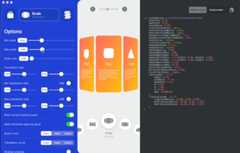

Click on image to see the code




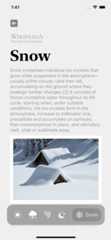
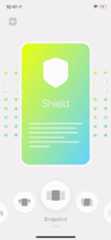
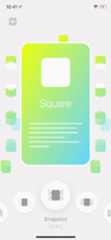
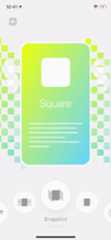
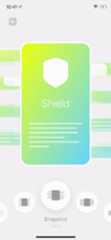
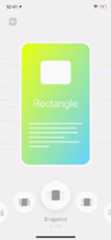
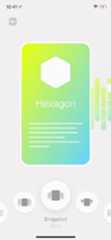
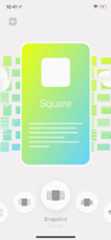
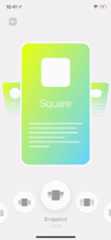

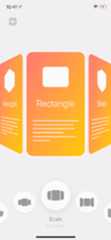
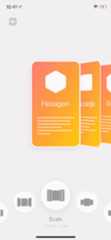






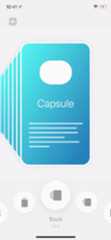

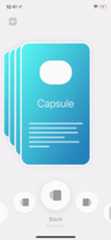


UIKit:
A simple but powerful framework that lets you make complex layouts for yourUICollectionView.
The implementation is quite simple. Just a customUICollectionViewLayout that gives you the ability to apply transforms to the cells.
No UICollectionView inheritance or anything like that.
SwiftUI:
A simpleView that lets you make page-view effects.
Powered byUICollectionView
For more details, seeHow to use
This framework doesn't contain any external dependencies.
# Podfileuse_frameworks!target'YOUR_TARGET_NAME'dopod'CollectionViewPagingLayout'end
ReplaceYOUR_TARGET_NAME and then, in thePodfile directory, type:
$ pod install
Add this toCartfile
github "CollectionViewPagingLayout"and then, in theCartfile directory, type:
$ carthage update
using Xcode:
File > Swift Packages > Add Package Dependency
Just add all the files underLib directory to your project
UsingLayout Designer
There is a macOS app to make it even easier for you to build your custom layout.
It allows you to tweak many options and see the result in real-time.
It also generates the code for you. So, you can copy it to your project.
You canpurchase the app from App Store and support this repository,or you can build it yourself from the source.
Yes, the macOS app is open-source too!.
Specify the number of visible items:
You need to specify the number of visible items.
Since this layout gives you the flexibility to show the next and previous cells,
By default, it loads all of the cells in the collectionview's frame, which means iOS keeps all of them in the memory.
Based on your design, you can specify the number of items that you need to show.It doesn't support RTL layouts:
however, you can achieve a similar result by tweaking options, for instance tryStackTransformViewOptions.Layout.reverse
- DevicesView inspired by thisCuberto's post
CollectionViewPagingLayout is available under the MIT license. See LICENSE file for more info.
About
A simple but highly customizable UICollectionViewLayout for UICollectionView -- Simple SwiftUI views that let you make page-view effects.
Topics
Resources
License
Uh oh!
There was an error while loading.Please reload this page.
Stars
Watchers
Forks
Packages0
Uh oh!
There was an error while loading.Please reload this page.
Contributors8
Uh oh!
There was an error while loading.Please reload this page.