Removing teams
As an organization owner or team admin, you can remove teams that no longer need access to a set of packages governed by your organization. Removing the team will not remove the team members or packages from your organization.
Note: if you remove all teams referencing a particular package, it will be orphaned and you will lose access to it. If this happens,contact npm Support.
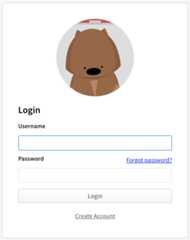
- On the npm "Sign In" page, enter your account details and clickSign In.
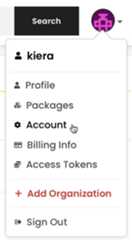
- In the upper right corner of the page, click your profile picture, then clickAccount.
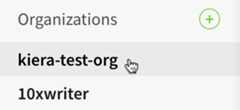
- In the left sidebar, click the name of your organization.
- On the organization settings page, clickTeams.

Beside the name of the team you want to remove, clickX.

Note: You cannot remove the developers team,learn more about the developers team.


