
Filter which map features to display
You can filter which specific map features to display by adjusting theirvisibility. If you want to control how dense all POIs are on the map, seeControl the density of Points of interest.
You customize which points of interest on a map to display by setting thevisibility for a map feature:
In the style editor, select the POI map feature you want to display or hide.For example,Points of interest > Lodging.
UnderVisibility, the visibility is controlled by an eye icon toggle.Select the eye icon to enable visibility selection, which turns the iconblue. The default basemap visibility is shown in gray.
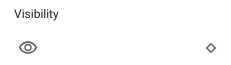
Select the icon again to toggle the visibility between off and on.
On: Always display this map feature, when the zoom levelallows.
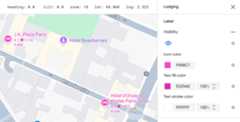
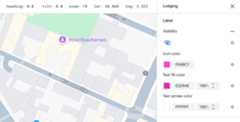
Off: Never display this map feature.
Except as otherwise noted, the content of this page is licensed under theCreative Commons Attribution 4.0 License, and code samples are licensed under theApache 2.0 License. For details, see theGoogle Developers Site Policies. Java is a registered trademark of Oracle and/or its affiliates.
Last updated 2025-12-11 UTC.