


Creating Templates
Users with theTemplate Administrator role or above can create templateswithin Coder.
From a starter template
In most cases, it is best to start with a starter template.
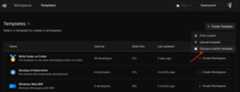
After navigating to the Templates page in the Coder dashboard, chooseCreate Template > Choose a starter template.
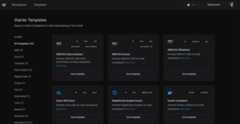
From there, select a starter template for desired underlying infrastructure forworkspaces.
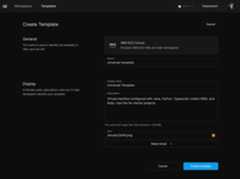
Give your template a name, description, and icon and pressCreate template.
If template creation fails, it's likely that Coder is not authorized to deploy infrastructure in the given location.Learn how to configureprovisioner authentication.
From an existing template
You can duplicate an existing template in your Coder deployment. This will copythe template code and metadata, allowing you to make changes without affectingthe original template.
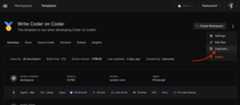
After navigating to the page for a template, use the dropdown menu on the righttoDuplicate.
Give the new template a name, icon, and description.

PressCreate template. After the build, you will be taken to the new templatepage.
From scratch (advanced)
There may be cases where you want to create a template from scratch. You can useany Terraform provider with Coder to createtemplates for additional clouds (e.g. Hetzner, Alibaba) or orchestrators(VMware, Proxmox) that we do not provide example templates for.
Refer to the following resources:
- Tutorial: Create a template from scratch
- Extending templates: Features and conceptsaround templates (agents, parameters, variables, etc)
- Coder Registry: Official and communitytemplates for Coder
- Coder Terraform Provider Reference