
matplotlib.figure.Figure.subfigures#
- Figure.subfigures(nrows=1,ncols=1,squeeze=True,wspace=None,hspace=None,width_ratios=None,height_ratios=None,**kwargs)[source]#
Add a set of subfigures to this figure or subfigure.
A subfigure has the same artist methods as a figure, and is logicallythe same as a figure, but cannot print itself.SeeFigure subfigures.
Changed in version 3.10:subfigures are now added in row-major order.
- Parameters:
- nrows, ncolsint, default: 1
Number of rows/columns of the subfigure grid.
- squeezebool, default: True
If True, extra dimensions are squeezed out from the returnedarray of subfigures.
- wspace, hspacefloat, default: None
The amount of width/height reserved for space between subfigures,expressed as a fraction of the average subfigure width/height.If not given, the values will be inferred from rcParams if usingconstrained layout (see
ConstrainedLayoutEngine), or zero ifnot using a layout engine.- width_ratiosarray-like of lengthncols, optional
Defines the relative widths of the columns. Each column gets arelative width of
width_ratios[i]/sum(width_ratios).If not given, all columns will have the same width.- height_ratiosarray-like of lengthnrows, optional
Defines the relative heights of the rows. Each row gets arelative height of
height_ratios[i]/sum(height_ratios).If not given, all rows will have the same height.
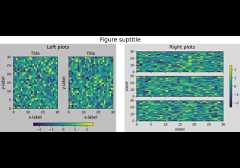
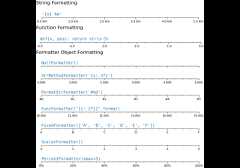
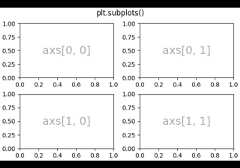
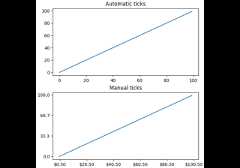
Examples usingmatplotlib.figure.Figure.subfigures#


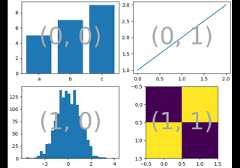
Complex and semantic figure composition (subplot_mosaic)