Uh oh!
There was an error while loading.Please reload this page.
- Notifications
You must be signed in to change notification settings - Fork36
Statistics
ialex32x edited this pageFeb 19, 2025 ·1 revision
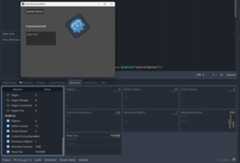
Run the project, switch to the editor while the project is running and openDebugger > Monitors at the bottom of the editor window.Scroll down toGodotJS section and check available statistics of the running project. You should see a graph appearing as follows:
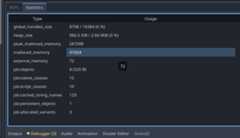
If you need to know the statistics of the JS environemnt running in the editor, openGodotJS > Statistics at the bottom of the editor window.You will see a table as follows:
Scripting
Utilities
Experimental Features
Advanced
Misc